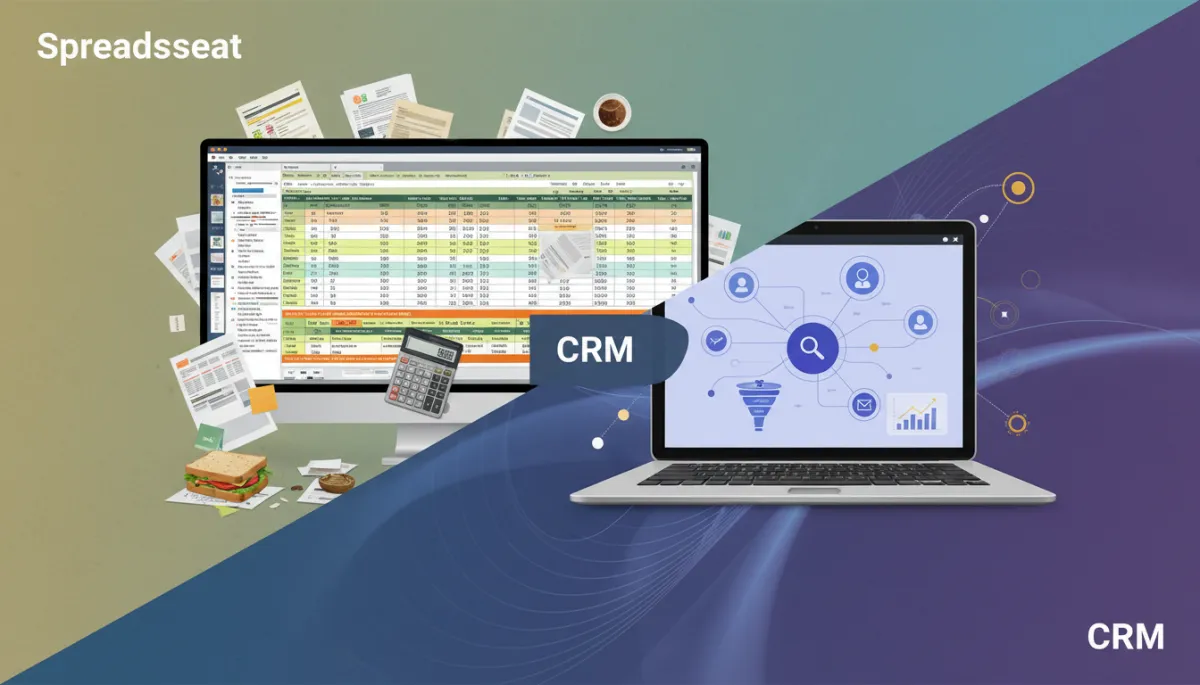
CRM vs Spreadsheet: Essential for Business Growth
CRM, Small Business, Productivity
CRM vs Spreadsheet: Why Growing Businesses Need to Make the Switch Now
Many businesses start managing customers in simple spreadsheets. But as your company grows, that quick fix quietly turns into a costly bottleneck. Here’s why a modern CRM is no longer a “nice to have” but an essential growth tool.
CRM vs Spreadsheet: What’s the Real Difference?
At first glance, both spreadsheets and CRM systems store customer details, deals, and activities. The difference lies in how they help you use that information daily.
How Spreadsheets Handle Customer Data
Static rows and columns: Great for lists, weak for relationships, timelines, and follow-ups.
Manual updates: Every new lead, status change, or note depends on someone remembering to type it in correctly.
Limited visibility: No built-in history of calls, emails, or tasks linked to each contact in one view.
Spreadsheets were never designed to be living records of relationships. They’re flexible, but they rely heavily on discipline, version control, and endless formatting tweaks to stay usable.
How a CRM Transforms the Same Information
Single source of truth: Every interaction—emails, calls, meetings, notes—lives under one contact or company record.
Automated tracking: Many CRMs log emails, form fills, and website visits automatically, so your team spends less time typing and more time selling or serving.
Pipeline and forecasting: Visual boards, stages, and revenue projections show you where every deal stands and what’s likely to close.
The core difference is this: spreadsheets store data; CRMs activate it. A CRM turns raw information into reminders, workflows, and insights that support daily decisions.
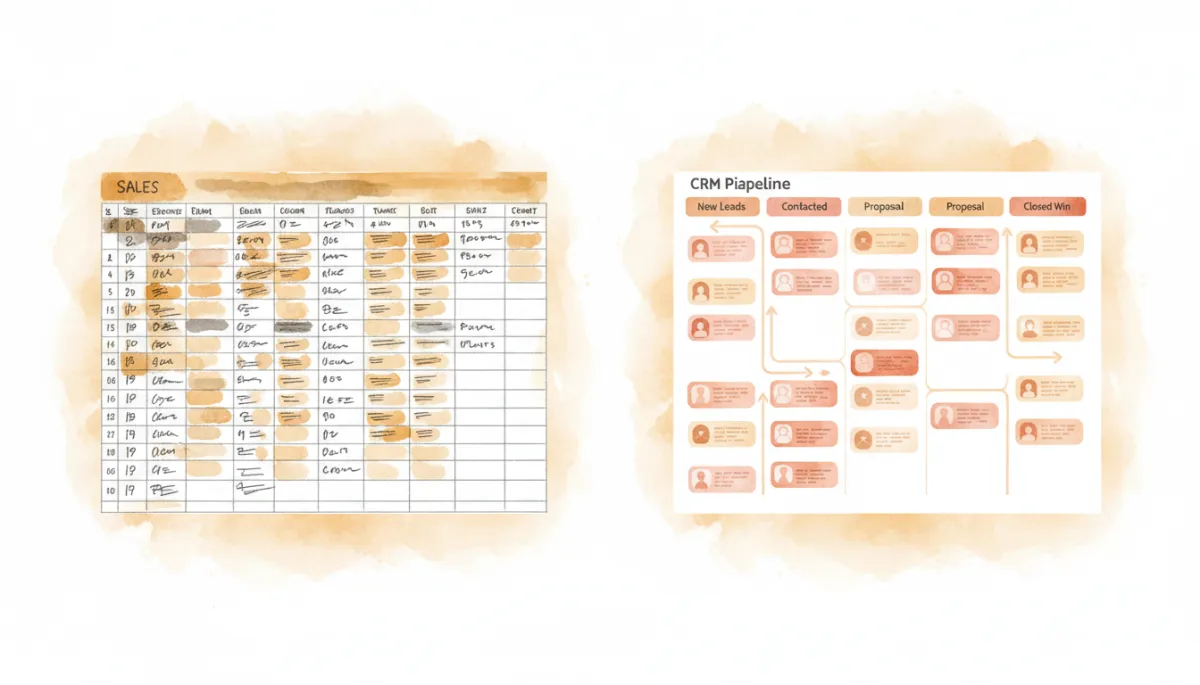
Moving from static sheets to a live CRM pipeline brings instant clarity to your sales process.
Why Growing Businesses Need to Make the Switch Now
If your team is still clinging to spreadsheets, the pain might already be showing up in subtle ways: slower responses, missed follow-ups, or fuzzy numbers in your pipeline. As your business grows, those cracks quickly turn into lost revenue and frustrated customers.
1. Growth Multiplies Complexity, Not Just Contacts
Ten customers in a spreadsheet is easy. Hundreds or thousands, across multiple team members, is something else entirely. You’re now tracking:
Multiple decision-makers at each company
Long sales cycles with many touchpoints
Renewals, upsells, and ongoing support conversations
A CRM connects all of these moving parts automatically. Instead of digging through tabs to understand a relationship, your team sees the full story in seconds.
2. Speed and Consistency Win Deals
Growing businesses compete on responsiveness. Spreadsheets make it easy to forget follow-ups, lose context, or send duplicate messages. A CRM helps you:
Set automated reminders so no lead “falls through the cracks.”
Use templates and sequences to keep outreach professional and consistent.
Share notes across the team so anyone can pick up a conversation without starting from zero.
💡 Pro Tip: If you’re tracking follow-up dates in a spreadsheet column, that’s a strong sign you’re ready for CRM task and reminder automation.
3. You Need Reliable, Real-Time Insight
Leaders of growing businesses need to answer questions quickly:
How much revenue is likely to close this month?
Which channels bring our best customers?
Where are deals getting stuck in the pipeline?
In a spreadsheet world, answering these requires exporting, filtering, and hoping everyone updated their tabs. In a CRM, dashboards and reports update automatically, giving you trustworthy, real-time visibility into performance and risk.
4. Delaying the Switch Only Makes It Harder
Many teams stick with spreadsheets because “they still work.” The hidden cost is that every month you wait, the data becomes:
More scattered across files, folders, and personal devices
Harder to clean and import into a CRM later
Less trusted by your team, who see conflicting versions everywhere
Making the switch now—while your data volume is still manageable—means a smoother migration, faster adoption, and earlier gains in productivity and revenue.
Making the Move: A Practical Next Step
Transitioning from spreadsheets to a CRM doesn’t have to be disruptive. You can start with a small pilot:
Choose one team or product line to move into the CRM first.
Import your cleanest, most up-to-date spreadsheet as a test dataset.
Map out a simple process: lead capture, follow-up, and deal stages.
Once your team experiences the difference—automatic reminders, shared history, clear pipelines—the old spreadsheet will quickly feel impossible to go back to.
Final Thought: Your Tools Should Match Your Ambition
Spreadsheets helped you get started; a CRM helps you scale. If your business is adding new customers, hiring more people, or expanding into new markets, now is the time to upgrade. The sooner you make the switch, the sooner your customer data stops being a burden and starts becoming a true competitive advantage.
