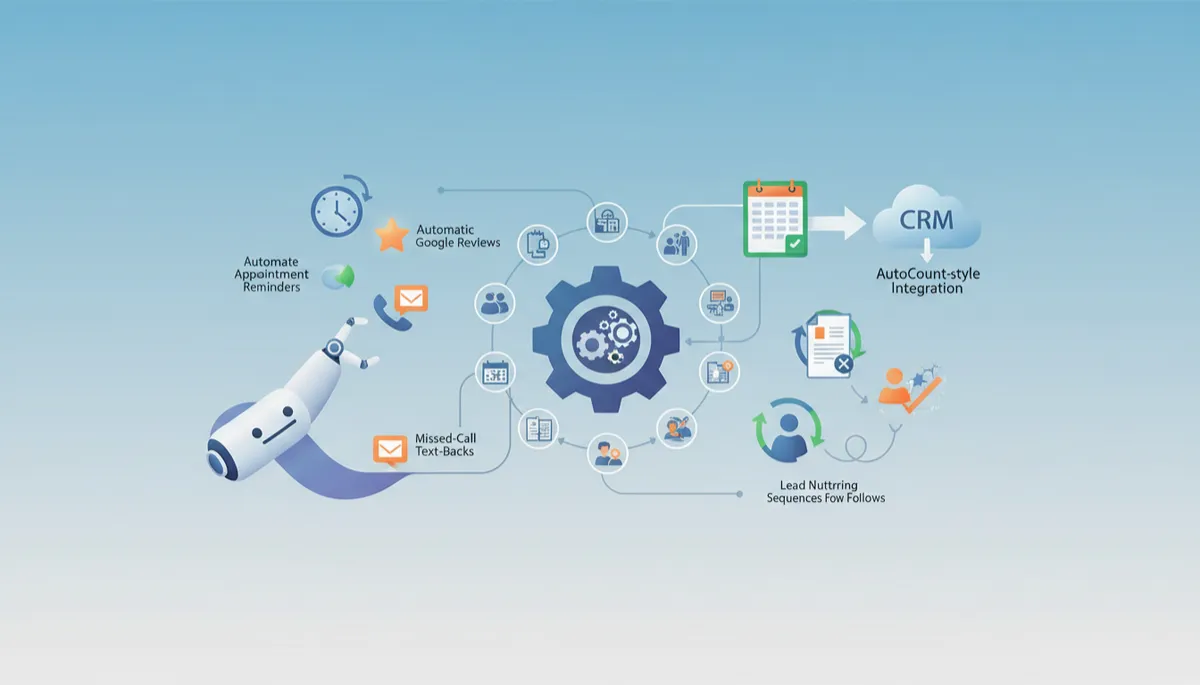
Automate Your Front Desk: Boost Efficiency Today
Automation, Front Desk, Small Business
Practical Automation: Free Your Front Desk from Busywork
If your front desk team is drowning in phone calls, sticky notes, and spreadsheets, it is time to let smart, practical automations take over the repetitive work. Here is how to reclaim their time, improve customer experience, and stop important tasks from slipping through the cracks.
10 Repetitive Tasks Your Front Desk Should Stop Doing Manually
Many front desks still rely on manual processes that are slow, error-prone, and frustrating for staff. These are ten tasks that are almost always better handled by automation:
Manually confirming every appointment by phone instead of using SMS and email reminders.
Writing the same “your appointment is booked” message over and over again in email or WhatsApp.
Calling no-shows one by one to reschedule, instead of sending an automatic follow-up link to rebook online.
Copying contact details from web forms into your CRM or practice management system by hand.
Updating spreadsheets for daily bookings, cancellations, and payments when your systems could sync automatically.
Chasing overdue invoices with individual reminder emails instead of scheduled, polite payment nudges.
Asking every happy customer in person to “please leave us a Google review” instead of using an automated follow-up.
Answering the same FAQs on the phone—opening hours, parking, preparation instructions—that could be auto-sent via text or email templates.
Manually logging every payment into both your accounting software and your CRM instead of syncing them in the background.
Returning missed calls hours later when a simple missed-call text-back could respond instantly and capture the lead.
💡 Pro Tip: Start by listing everything your front desk does more than ten times a week. Those are your top automation candidates.
Automated Appointment Reminders That Actually Cut No-Shows
Effective reminder automation is about timing, channel, and clarity. A simple, proven structure looks like this:
Confirmation: Send an instant SMS and email when the appointment is booked, including date, time, location, and a calendar link.
Reminder 1: 48–72 hours before, with a simple “Reply 1 to confirm, 2 to reschedule” option if your system supports it.
Reminder 2: On the same day—usually 2–3 hours before the appointment—especially effective for busy professionals and parents.
Keep messages short, friendly, and action-focused. The goal is to make it easy to show up—or to reschedule in time so the slot does not go to waste.
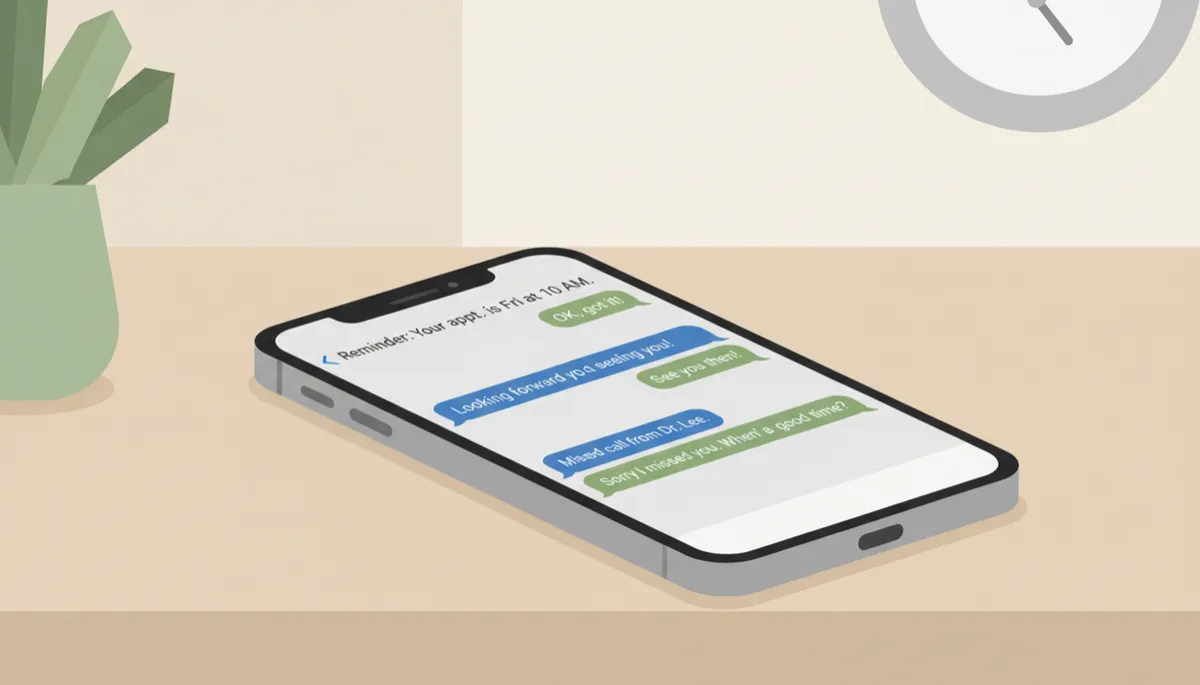
Smart reminders and text-back flows quietly rescue bookings your team would otherwise lose.
How to Ask for Google Reviews Automatically Without Sounding Pushy
The best time to ask for a review is shortly after a positive experience. Automation lets you do this consistently and politely, without awkward conversations at the counter.
Trigger: Send a review request a few hours after a completed appointment or successful purchase.
Tone: Make it about feedback, not stars. For example: “Thank you for visiting us today. Your feedback helps us improve. If you have a minute, would you mind sharing your experience on Google?”
Ease: Include a direct link to your Google review page so they do not have to search for you.
Limit yourself to one request and, at most, one gentle reminder a week later. When the message is respectful and infrequent, it feels like an invitation, not pressure.
Missed-Call Text-Back: The Simplest Automation with the Fastest Payback
Every missed call is a potential lost booking. A missed-call text-back system automatically sends an SMS whenever you cannot answer in time. For example:
“Sorry we missed your call. This is [Business Name]. How can we help? You can reply here to book, reschedule, or ask a question.”
It takes minutes to set up with most modern phone or messaging platforms, yet it:
Captures leads who prefer texting over calling back.
Reduces call-back pressure on your front desk.
Makes your business appear responsive, even when the team is busy with in-person guests.
Lead Nurturing Sequences: How Many Follow-Ups Are Enough?
Most businesses give up too soon. A practical lead nurturing sequence balances persistence with respect. As a guideline:
Day 0: Instant confirmation email or text acknowledging their enquiry and setting expectations on response time.
Day 1–2: Personal follow-up with a clear next step—book a call, schedule a visit, or choose a package.
Day 4–5: Reminder highlighting a benefit or answering a common question that may be holding them back.
Day 7–10: A final gentle check-in: “We will close your enquiry soon, but we are here if you need us.”
That is typically 3–4 follow-ups over 10 days. Automation ensures every lead gets the same consistent, thoughtful journey—even when your front desk is busy.
Connecting Your Accounting System to Your CRM: An AutoCount-Style Integration Explainer
When your accounting system and CRM do not talk to each other, your team ends up double-keying data and chasing information across platforms. An AutoCount-style integration connects these systems so information flows automatically in both directions.
Customer records: New customers created in your CRM are pushed into your accounting system, so invoices can be raised without retyping details.
Invoices and payments: When an invoice is issued or paid in AutoCount (or similar software), the status is updated in your CRM, so the front desk sees at a glance who is up to date and who needs a reminder.
Reporting: Management can view sales, collections, and customer activity in one place, without waiting for manual reports.
For your front desk, that means fewer awkward conversations about payments, less time updating spreadsheets, and more confidence that the information on screen is correct and current.
📌 Key Takeaway: Start with one or two high-impact automations—like reminders and missed-call text-back—then layer on review requests, lead nurturing, and accounting integration as your team gets comfortable.
